


Key Insights:
- Ideal Scenario: Experience a seamless control with a fully functional Fire TV remote.
- Common Issue: Often after updates or due to various reasons, the Fire TV Remote Not Working.
- Primary Solutions: Resetting the remote, checking batteries, and ensuring correct range and compatibility.
- Prevention: Regular maintenance, proper storage, and being aware of potential interferences.
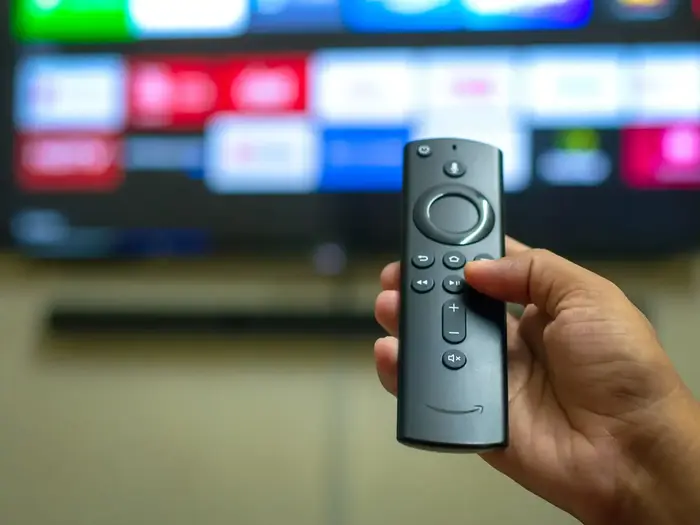
What's the Ideal Scenario Without the “Fire TV Remote Not Working” Issue?
A working Fire TV remote should seamlessly control your Amazon Fire TV, letting you enjoy your favorite shows, navigate menus, or even use voice commands with Alexa without a hiccup.
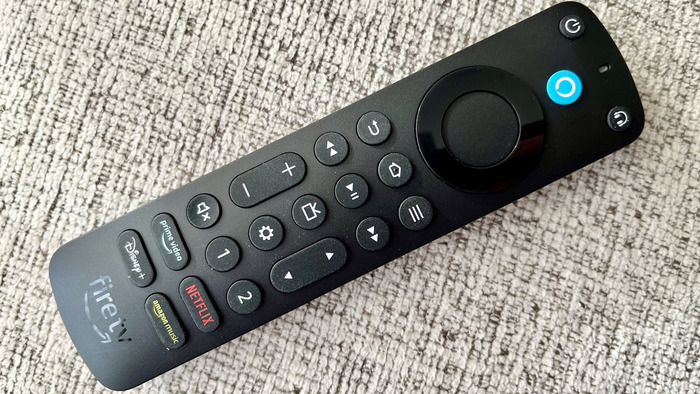
Case Study: When Does the “Fire TV Remote Not Working” Error Happen?
Many users on Reddit and other forums have reported that the issue commonly arises post updates. Some also noticed problems due to drained batteries, physical damage, or when there's an obstruction between the remote and the TV.
Initial Diagnosis: Have You Tested These Measures?
Before diving into complex troubleshooting, ensure that:
- The remote has fresh batteries.
- The remote is within range of the Fire TV Stick.
- There aren't physical obstructions between the remote and the device.
The Significance of Rectifying “Fire TV Remote Not Working”:
If left unresolved, you'll not only miss out on binge-watching your favorite series but also the ease of navigation and functionality that the remote provides. It might also hinder voice commands, impacting the overall Fire TV experience.
Interactive Guide: 7 Functional Strategies to Address “Fire TV Remote Not Working”:
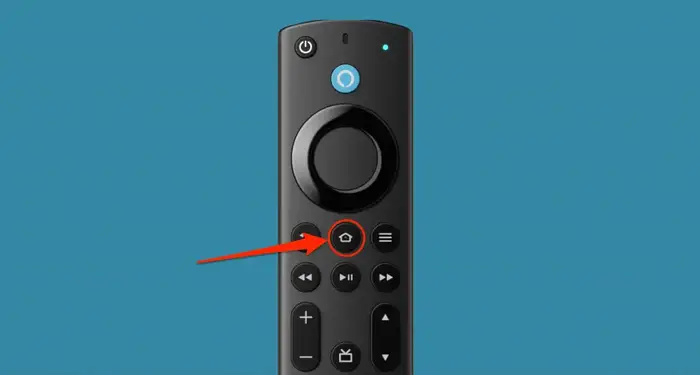
SOLUTION 1: Reset the Fire TV Remote
Press and hold the Home button for 10 seconds. The remote should pair within a minute.
SOLUTION 2: Power Cycle and Reset
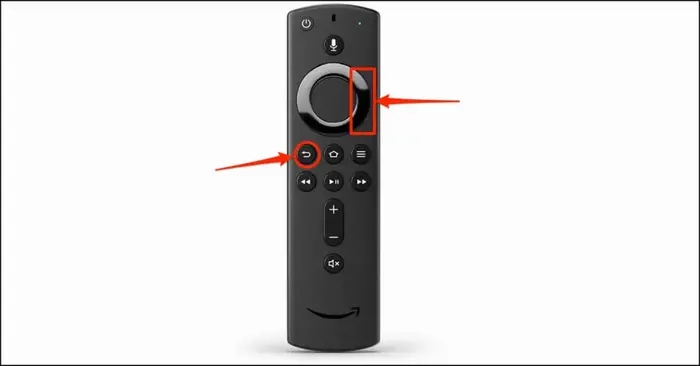
Unplug the power adapter from Fire TV or wall outlet. While off, reset the remote by pressing the Menu, Back, and the left side of the navigation ring simultaneously for 10 seconds. Replace the batteries, plug back the Fire TV, and wait for the home screen.
SOLUTION 3: Check for the Blue Light on Alexa Voice Remote
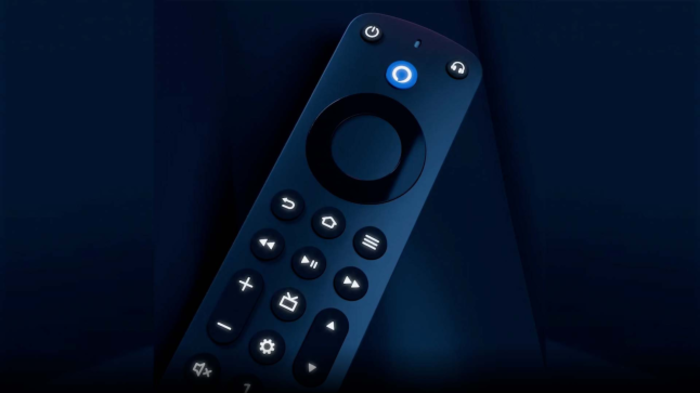
For the 2nd Gen Alexa Voice Remote, look for a slowly pulsing blue light. When it pairs successfully, it will flash blue thrice. However, other Fire TV remotes don't have this light.
SOLUTION 4: Remote Range and Obstructions
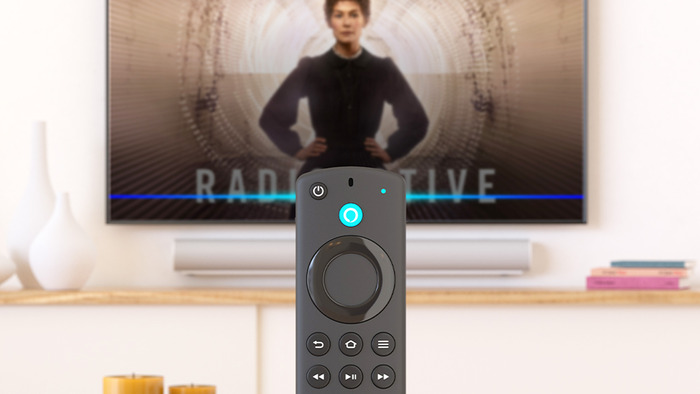
Ensure the remote is within range of the Fire TV Stick. Also, make sure no physical objects are obstructing the remote's path.
SOLUTION 5: Battery Check
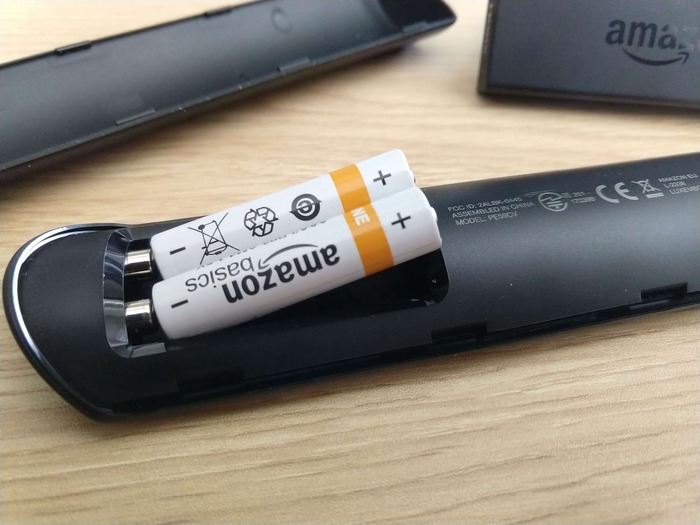
Swap out the old batteries for fresh ones, ensuring they are placed correctly.
SOLUTION 6: App Assistance
If your physical remote fails, temporarily switch to the Fire TV app on your smartphone.

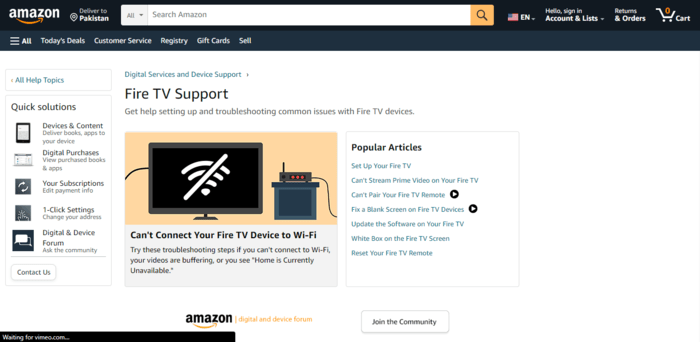
SOLUTION 7: Reaching Out to Support
If the problem persists, it might be time to reach out to Amazon support or consider getting a replacement.
How to Prevent “Fire TV Remote Not Working” Error in the Future
Regular maintenance like cleaning, ensuring it's free from dust, and keeping it safe from falls or spills can extend your remote's life. Also, always ensure you're using good-quality batteries and replace them when they run low.
Final Thoughts:
While the Fire TV remote offers a seamless experience, technical hiccups are common. Following the outlined solutions should help you regain control. If persistent issues arise, consider investing in a new remote or using the app for uninterrupted entertainment.
FAQs
Q1: How far should the remote be from the Fire TV Stick for optimal performance?
Typically, within a 10-foot range, but always check for obstructions.
Q2: Is there a way to know the battery level of my remote?
There's no direct way. However, if the remote starts to lag or becomes unresponsive, it's a hint to check the batteries.
Q3: Can other electronic devices interfere with the remote's functionality?
Yes, other electronic devices, especially those emitting wireless signals, can interfere.
Q4: What's the lifespan of a typical Fire TV remote?
With proper care, it can last for years. However, physical damage or moisture can shorten its lifespan.
Q5: Is the smartphone app a good permanent replacement for the physical remote?
While convenient as a backup, the physical remote provides a more tactile and intuitive experience for many users.
